Google Wallet is now available as an iPhone app in the United States, giving iOS users a Google-branded place to collect tickets, boarding passes, loyalty cards, receipts and delivery updates. The November 17 release does not include contactless tap-to-pay, so it complements rather than replaces Apple Wallet for in-store payments.
What Google Wallet on iPhone can do
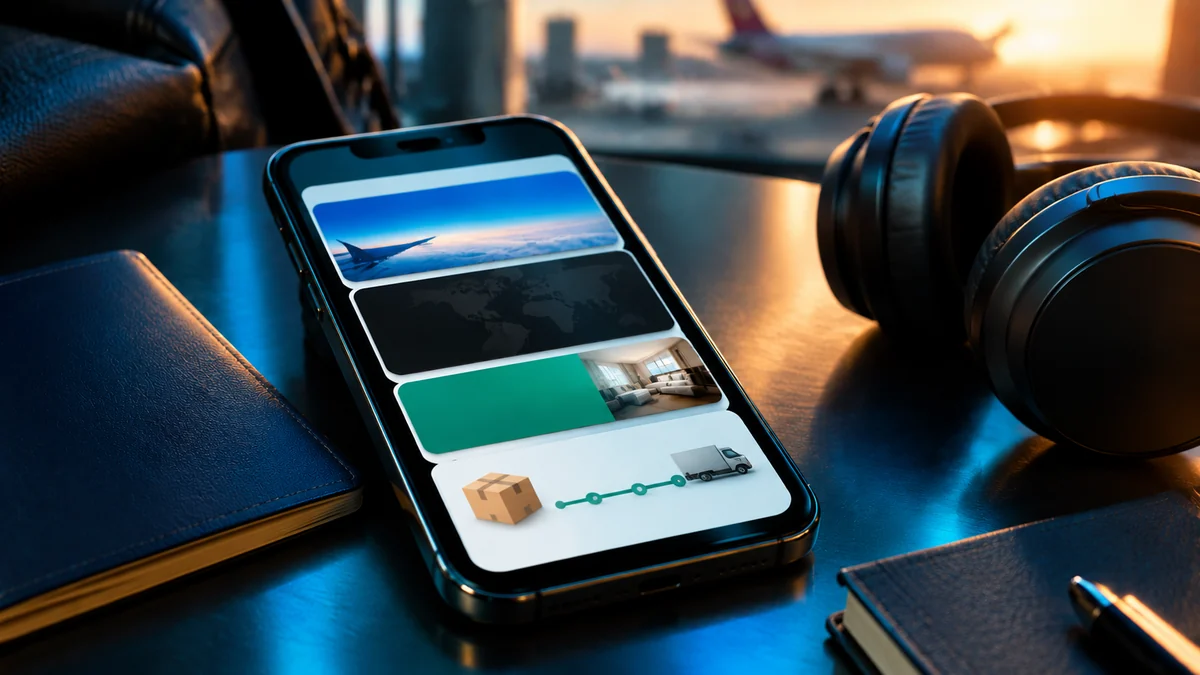
Google’s iPhone app is built around organizing information that often gets scattered across email, retailer apps and screenshots. When users connect their Google account, Wallet can bring together purchase receipts, package tracking details, digital boarding passes and concert tickets from Gmail and other Google services. The idea is to make those items easier to find when a user is travelling, collecting an order or entering an event.
The app also supports loyalty cards and gym memberships. An iPhone owner can use the camera to scan a physical card or its barcode and save a digital version in Wallet, reducing the need to carry the original card for participating stores and services. Google says users can also manage saved payment cards for faster online checkout across Google and places that accept Google Pay.
Google has also tied the launch to its plans for agentic shopping. The company says Wallet can serve as a secure place to view and manage purchases made across Google, including order confirmations, receipts and delivery updates. That does not mean the iPhone app itself is a new payment method for every shop; its practical role is currently closer to a digital organizer for purchases and passes.
| Feature | What it does on iPhone |
|---|---|
| Boarding passes and tickets | Keeps supported travel and event passes together for quick access. |
| Receipts and deliveries | Surfaces purchase emails, receipts and package updates from Gmail and Google services. |
| Loyalty and membership cards | Lets users scan physical cards and barcodes with the iPhone camera. |
| Payment cards | Stores payment methods for online checkout through Google and Google Pay. |
| In-store contactless payments | Not supported on iOS at launch. |
What Google Wallet cannot do on an iPhone
The biggest limitation is tap-to-pay. Google has confirmed that Wallet on iOS cannot make contactless payments at a physical checkout, and Google’s support page also lists tap-to-pay for transit as unsupported. Saving a debit or credit card in the app therefore does not turn an iPhone into a Google Wallet contactless payment device.
There are other gaps compared with the Android version. Google’s current iOS support information says the app does not support digital IDs such as state IDs, driver’s licenses or digital passports. It also lists no support for supervised child accounts, reordering cards in the Manage Payment Methods section or syncing with Apple Watch.
These limits matter because the name Google Wallet may suggest a full replacement for Apple’s built-in Wallet app. On an iPhone, that is not what Google has launched. Users who rely on Apple Wallet or Apple Pay for contactless purchases should keep using those services, while Google Wallet can handle the Google-linked tickets, receipts and loyalty cards they want in a separate place.
How to download and set up Google Wallet on iPhone
Google Wallet is available through Apple’s App Store in the United States. Google’s support documentation says an iPhone needs iOS 17.0 or later, and users need a valid Google Account to use the app. The download is free.
The initial setup is short:
- Download Google Wallet from the App Store.
- Open the app and tap “Get Started.”
- If you want Wallet to connect with Gmail, tap “I’m in” when the app asks to sync.
After setup, users can add or scan eligible loyalty cards and use the app to find supported tickets, passes and purchase information. The Gmail connection is central to the experience because it allows Wallet to gather relevant travel and order details without requiring users to search through separate email threads. Users should review the information they choose to connect, particularly if they prefer to keep purchase details inside Gmail.
Does Google Wallet replace Apple Wallet?
For most iPhone owners, the two apps currently serve different jobs. Apple Wallet remains the option for Apple Pay and contactless transactions in stores, while Google’s iPhone app focuses on organizing information tied to a Google Account. It can be useful to have both installed, especially for people who receive travel bookings, event tickets and shopping updates through Gmail.
The distinction is also important for people who use Google services across multiple devices. Google says Wallet can keep relevant purchase and travel information available across devices where the user is signed in, while the iPhone app adds a dedicated place to view those details. Someone who mainly uses Apple services and already stores every pass in Apple Wallet may see less reason to switch, since the missing tap-to-pay feature leaves a major part of the traditional digital-wallet experience unchanged.
Why Google is bringing Wallet to iPhone
The release extends one of Google’s consumer services beyond Android, but its announcement places particular emphasis on shopping and purchase management. Google says it wants Wallet to become a secure hub for agentic purchases made across its services, with order confirmations, receipts and delivery updates available in one place. The company has not announced an iOS tap-to-pay date, so that feature should not be treated as a promised near-term addition.
For now, the launch is also limited to users in the United States. Google has not provided a wider international rollout schedule in its announcement. iPhone owners elsewhere may see the app discussed online, but availability in the US does not confirm that it can be downloaded or used in every market.
Frequently asked questions
Is Google Wallet available on iPhone?
Yes. Google launched Google Wallet for iOS in the United States on November 17, 2026. The app requires iOS 17.0 or later and a valid Google Account.
Can you use Google Wallet to tap and pay in stores on an iPhone?
No. Google says tap-to-pay is not supported on iOS. The iPhone app can store payment methods for online checkout through Google services, but it cannot make contactless in-store or transit payments.
Can Google Wallet on iPhone store boarding passes and loyalty cards?
Yes. The app can organize supported boarding passes, concert tickets and loyalty cards. Users can also scan physical loyalty and membership cards with the iPhone camera.
Does Google Wallet for iPhone work with Apple Watch?
No. Google’s current support page lists Apple Watch syncing as unsupported in the iOS version.
Google Wallet’s iPhone launch brings Gmail-linked receipts, delivery updates, tickets and loyalty cards to a dedicated app, but it does not add Google tap-to-pay to iOS. Would you use Google Wallet alongside Apple Wallet for travel passes and purchases, or is the lack of contactless payments a deal-breaker?