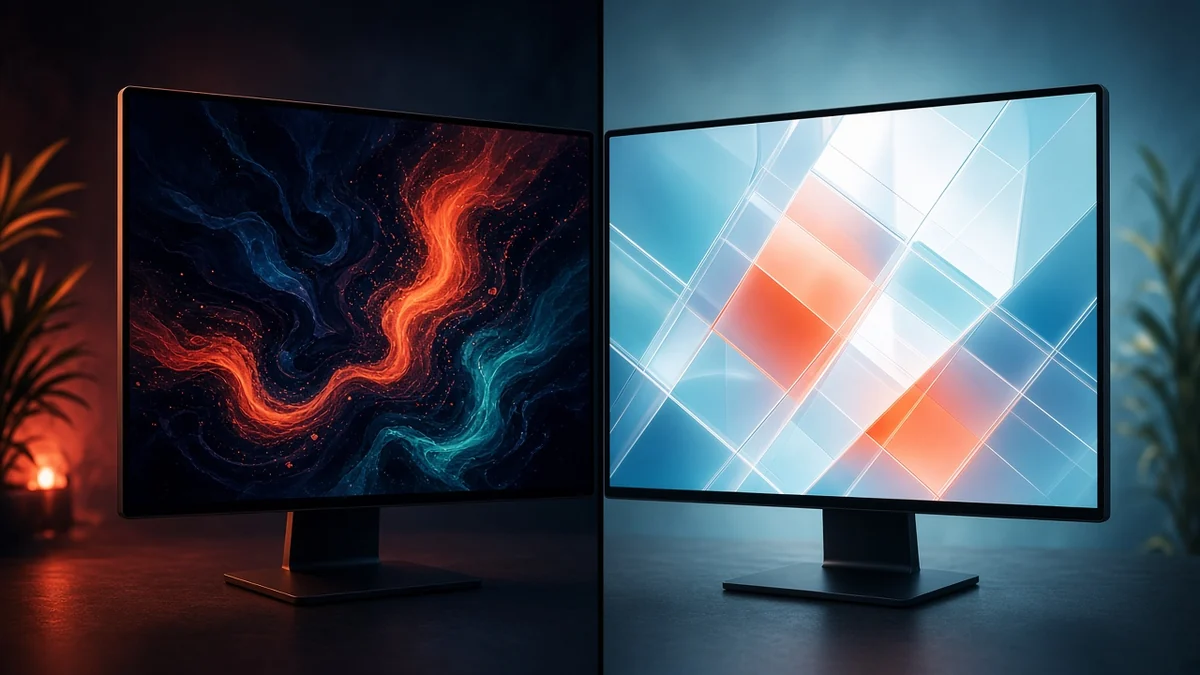
OLED monitors deliver deeper blacks, virtually instantaneous pixel response and exceptional gaming visuals, while Mini-LED monitors offer higher sustained brightness and a lower risk of permanent image retention. In 2026, Mini-LED is generally the safer choice for eight-hour office workloads, whereas OLED remains particularly attractive for gaming and cinematic entertainment.
OLED vs Mini-LED monitors: The key differences
The biggest distinction comes from how the two technologies produce images. OLED displays use self-emissive pixels, meaning every pixel produces its own light and can switch off completely. Mini-LED displays use an LCD panel illuminated by thousands of small LEDs grouped into independently controlled dimming zones.
This difference affects contrast, brightness, motion handling and long-term durability. OLED can produce perfect black levels because individual pixels switch off, but its organic materials gradually wear with use. Mini-LED avoids that particular degradation mechanism because it uses an LCD panel and LED backlight, although it can still experience other forms of display ageing.
| Feature | OLED | Mini-LED |
|---|---|---|
| Black levels | True black at individual pixels | Very deep blacks through local dimming |
| Contrast | Effectively infinite | High, but depends on dimming zones |
| Full-screen brightness | Often around 200–300 nits in SDR measurements, depending on model | Can exceed 1,000 nits on capable models |
| Pixel response | Near-instantaneous | Slower LCD pixel transitions |
| Burn-in risk | Present with prolonged static content | No conventional OLED-style burn-in |
| Blooming | No backlight haloing | Possible around bright objects |
| Best application | Gaming and cinematic entertainment | Productivity and bright environments |
Is OLED burn-in still a problem in 2026?
Yes, OLED burn-in remains a genuine consideration, particularly for people who use the same monitor for static desktop applications throughout the working day. Spreadsheets, IDE code editors, browser toolbars and operating-system taskbars can remain in fixed positions for thousands of hours. When certain pixels display the same elements repeatedly, their organic materials can wear unevenly and eventually leave permanent image retention.
Modern OLED monitors include several protective technologies. Pixel shifting, screen refresh routines, logo detection and automatic brightness adjustments help reduce uneven wear. However, these features lower the risk rather than eliminate it.
TechSpot’s long-running OLED monitor test provides a useful example. Its October 2026 update documented approximately 8,000 hours of use across 30 months on a QD-OLED monitor used almost entirely for productivity. The test deliberately maintained static desktop workloads, including spreadsheets, browsers and editing applications. It demonstrates why OLED owners who spend most of their working day on fixed desktop interfaces should consider the long-term consequences.
Can you safely use an OLED monitor for eight hours of office work?
Yes, but the distinction is between being able to use OLED for office work and choosing it as the most suitable technology for that purpose. Eight hours of mixed activities involving documents, video calls, browsing and occasional entertainment is different from eight hours of displaying the same spreadsheet or development interface.
If OLED is your preferred monitor, you can reduce unnecessary pixel wear by lowering brightness, enabling automatic screen-off settings, using a moving screensaver and hiding persistent interface elements where practical. Dark mode can also reduce the amount of light produced by many pixels, although it does not eliminate the underlying risk.
For someone who spends most of the day working with static applications, Mini-LED offers greater peace of mind. It removes the specific organic-pixel burn-in concern associated with OLED.
Which monitor is brighter: OLED or Mini-LED?
Mini-LED generally wins when sustained brightness is the priority. Its backlight can illuminate the entire LCD panel at high output, making it particularly useful in sunlit offices, brightly lit studios and rooms with large windows. Depending on the model, some Mini-LED monitors can sustain full-screen brightness around 1,000 nits or higher.
OLED behaves differently because its pixels generate their own light. It can produce exceptionally bright highlights in HDR content, but sustaining that output across a large white area creates additional heat and power demands. Many OLED monitors therefore deliver considerably lower full-screen brightness, often around 250 nits, although individual products vary.
What is automatic brightness limiting on OLED?
Automatic Brightness Limiting, commonly called ABL, reduces screen brightness when a large proportion of the display becomes bright. For example, opening a full-screen white spreadsheet or document can trigger brightness reduction on some OLED monitors.
This behaviour helps manage power consumption and heat, but it can become noticeable during office work. Mini-LED displays generally handle large bright areas more comfortably, making them a practical choice for users who regularly work with white backgrounds and full-screen documents.
Is OLED better for gaming than Mini-LED?
OLED has a significant advantage in pixel response time. Individual OLED pixels can change state extremely quickly, with some gaming monitors advertising response times as low as 0.03 milliseconds grey-to-grey. This helps reduce motion blur and ghosting during fast-moving gameplay.
Mini-LED monitors use LCD pixels, which take longer to transition between colours. Depending on the panel and overdrive settings, response times can range from around 1 to 4 milliseconds or more. A high-refresh-rate Mini-LED monitor can still provide excellent gaming performance, but OLED generally has the advantage in motion clarity.
OLED also produces exceptional contrast in dark gaming environments. Since each pixel can switch off independently, dark scenes retain their black levels without bright objects creating backlight halos. Mini-LED improves LCD contrast considerably through local dimming, but its backlight zones cannot always control light as precisely as individual OLED pixels.
What is blooming, and why does it matter on Mini-LED?
Blooming occurs when a bright object creates a visible halo against a dark background. It happens because Mini-LED backlights operate through groups of dimming zones rather than individual pixels. When a bright subtitle, cursor or star appears against a dark scene, the entire surrounding zone may illuminate.
The severity depends on the number of dimming zones, the monitor’s processing algorithms and the viewing angle. More zones generally allow finer control, although they cannot completely reproduce OLED’s pixel-level lighting. For people who regularly watch films with dark scenes or play atmospheric games, this difference can be noticeable.
Which is better for productivity: OLED or Mini-LED?
For a primary office monitor, Mini-LED is generally the more practical option. Its sustained brightness helps in daylight, its LCD panel avoids conventional OLED burn-in and its local dimming provides better contrast than traditional LCD monitors. It is particularly suitable for spreadsheets, coding, financial modelling, document editing and dashboards.
OLED still has advantages for creative professionals who value contrast, colour performance and fast pixel response. High-resolution OLED panels can deliver excellent image quality, although text clarity can vary with the subpixel arrangement. At comparable pixel densities, Mini-LED monitors generally have an advantage in text rendering.
There is also a practical difference in how much attention each technology requires. OLED owners may need to manage screen-off intervals, brightness and static interface elements to reduce cumulative wear. Mini-LED users can generally work with fixed desktop layouts without worrying about the same organic-pixel degradation mechanism.
The best 2026 setup: Should you use both?
For people who can accommodate two displays, using Mini-LED or IPS as the primary work monitor and OLED as a dedicated entertainment display offers a useful compromise. The productivity screen handles long working sessions, while OLED delivers its strengths during gaming, streaming and film viewing.
This arrangement also reduces the amount of time OLED spends displaying static desktop interfaces. It does not make burn-in impossible, but it limits exposure to one of the more demanding usage patterns for organic panels.
However, buying two monitors is not necessary for everyone. Someone who works eight hours a day and plays games occasionally may be better served by one good Mini-LED display. A competitive gamer or home entertainment enthusiast who spends relatively little time on static desktop applications may get more value from OLED.
Frequently asked questions
Is Mini-LED better than OLED for eight-hour office work?
Generally, yes. Mini-LED provides high sustained brightness, avoids conventional OLED burn-in and handles static desktop interfaces without the same pixel-wear concern. OLED remains usable for office work, but Mini-LED is the lower-risk choice for prolonged productivity sessions.
Can OLED burn-in be reversed?
Permanent OLED burn-in cannot reliably be reversed. Pixel refresh and compensation routines can help correct temporary image retention, but they cannot restore organic pixels that have permanently degraded. This is why prevention and sensible usage habits matter.
Does Mini-LED have perfect black levels?
No. Mini-LED uses local dimming zones rather than independently controlled pixels. It can produce very deep blacks, but some light may leak into dark areas surrounding bright objects, creating blooming. OLED can switch individual pixels off completely.
Is OLED worth buying in 2026?
Yes, particularly for gaming, HDR entertainment and dark-room viewing. Its motion clarity, contrast and pixel-level lighting remain major advantages. Buyers who primarily use their monitors for static office applications should compare Mini-LED alternatives before deciding.
Which lasts longer, OLED or Mini-LED?
There is no universal lifespan figure that applies to every monitor. OLED panels can develop uneven pixel wear with prolonged static use, while Mini-LED displays avoid that particular issue. Both technologies can experience brightness degradation and component failures over time, so individual model reliability and warranty coverage matter.
OLED remains the stronger choice for contrast, dark-room gaming and motion clarity, while Mini-LED offers higher sustained brightness and greater confidence during long productivity sessions. If you had to choose one monitor for both eight hours of work and several hours of gaming every day, would you prioritise OLED’s picture quality or Mini-LED’s durability and brightness?